

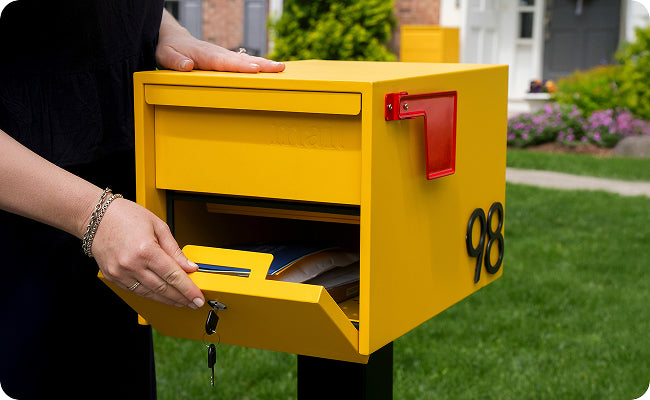
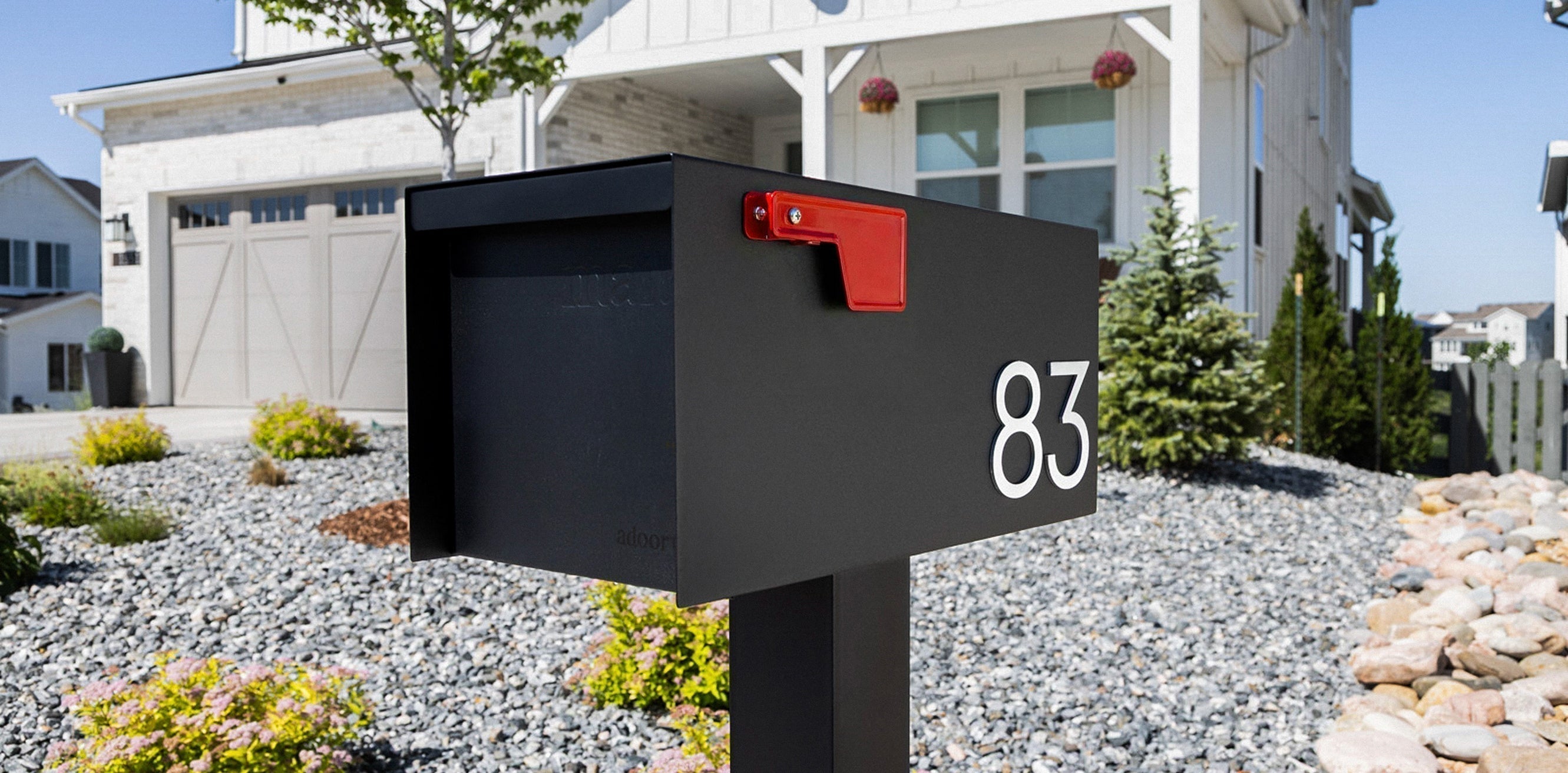

Sizable. Stylish. Straightforward. That's the Adoorn way and installing your new Post Mount Mailbox should feel just as simple. Whether you're replacing an old mailbox or setting up a brand-new post, the right install means years of reliable, good-looking daily deliveries.
This guide walks you through every step: placement rules and hardware to mounting options and ongoing care. Pulled directly from the instructions included with your mailbox, expanded here with extra detail so nothing gets missed.
For printable instructions, download here.
🧰 Before You Begin: What's in the Box
Your Adoorn Post Mount Mailbox ships with all the hardware you need to mount to a wood post.
-
4 x 2" Screws
-
5/16" Flat Head Lag Bolt (for wood mounting posts)
Mounting to an Adoorn metal post? You'll use the hardware that comes with the post instead (4 x 5/16" Bolts). The hardware above is specifically for wood post installations.
(Pro tip: Lay all hardware out on a clean surface before you begin It makes the process faster and confirms nothing is missing.)

🔧 Tools You'll Need
-
Wrench or socket wrench
-
Drill with 1/4" bit (if mounting on a wood post)
-
Pen or pencil
-
Level
-
Tape measure

📬 Step 1: Contact Your Local Post Office
Before you install anything, you're required to contact your local post office to confirm proper placement and height at the street. Every route is a little different, and your carrier needs to be able to access the mailbox safely from the road.
Here are the general USPS guidelines to keep in mind:
-
Height: Install the mailbox so the mail entry point sits 41"– 45" from the road surface.
-
Setback: The mailbox door should be 6"– 8" from the front face of the curb or road edge.
(These are general guidelines. Your local post office may have specific requirements for your street or neighborhood, so always confirm before you start.)
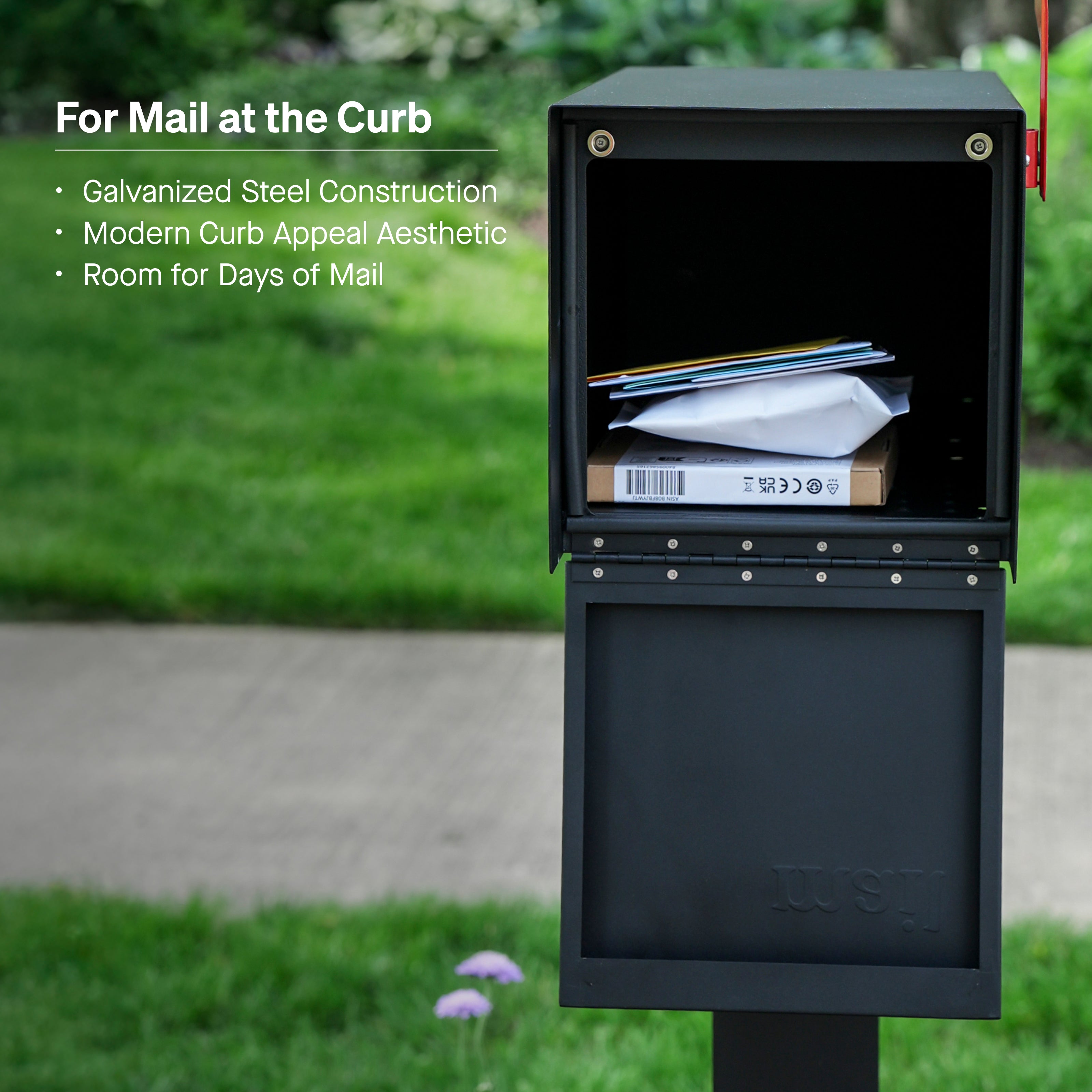
📮 Step 2: Confirm Your Post
Adoorn Post Mount Mailboxes are designed to attach to an Adoorn Post, but they're compatible with most standard mailbox posts. If you don't have a post yet, you can purchase an Adoorn Post at adoorn.com.
Before mounting, make sure your post is:
-
Securely set in the ground
-
Plumb (straight up and down) and level across the top
-
At the correct height based on USPS guidelines from Step 1
(If you're installing a new post, make sure it's fully set and stable before attaching the mailbox. Concrete footings typically need 24–48 hours to cure.)
For instructions on installing your Adoorn In-Ground Post, click here.
🔩 Step 3A: Mount to a Metal Post
If you're mounting to an Adoorn metal post, the process is quick and clean.
-
Align the four mailbox mounting holes on the bottom of the mailbox with the four holes on the top of the metal mounting post.
-
Using a wrench, attach the mailbox to the post using the hardware included with the post (4 x 5/16" Bolts).
-
Insert bolts from the inside of the mailbox facing the open end of the bolt toward the ground.
-
Tighten until snug and secure.
Note: For metal posts, use the hardware included with the Mounting Post, not the hardware that came with the mailbox.

🛠️ Step 3B: Mount to a Wood Post
If you're mounting to an existing wood post, start by checking for a compatible hole pattern.
Your Adoorn mailbox has multiple mounting hole formations on the inside bottom. Flip the mailbox over or look inside to see them. Then check your existing post for matching hole patterns.
If you find a matching pattern:
-
Attach the mailbox using the hardware provided with the mailbox, or the existing hardware already in place on the post.
-
Tighten with a wrench until secure.
If there are no matching hole patterns, you'll need to drill new mounting holes into the wood post. Here's how:
① Mark your holes
Use a pen or pencil to mark the drill points on the wood post. Use the bottom of the mailbox as your guide by placing it on top of the post and marking through the mounting holes.
② Drill pilot holes
Using a 1/4" drill bit, drill pilot holes into the wood post 2" deep.
③ Attach the mailbox
Align the mailbox mounting holes with the holes you just drilled. Using a wrench, attach the mailbox to the post with the lag screws provided. Tighten until snug and firm.
⚠️ Important: Do NOT drill new holes into the Adoorn mailbox. Drilling into the mailbox exposes untreated metal and voids the Adoorn warranty. Only drill into the wood post.
📮 How to Use Outgoing Mail
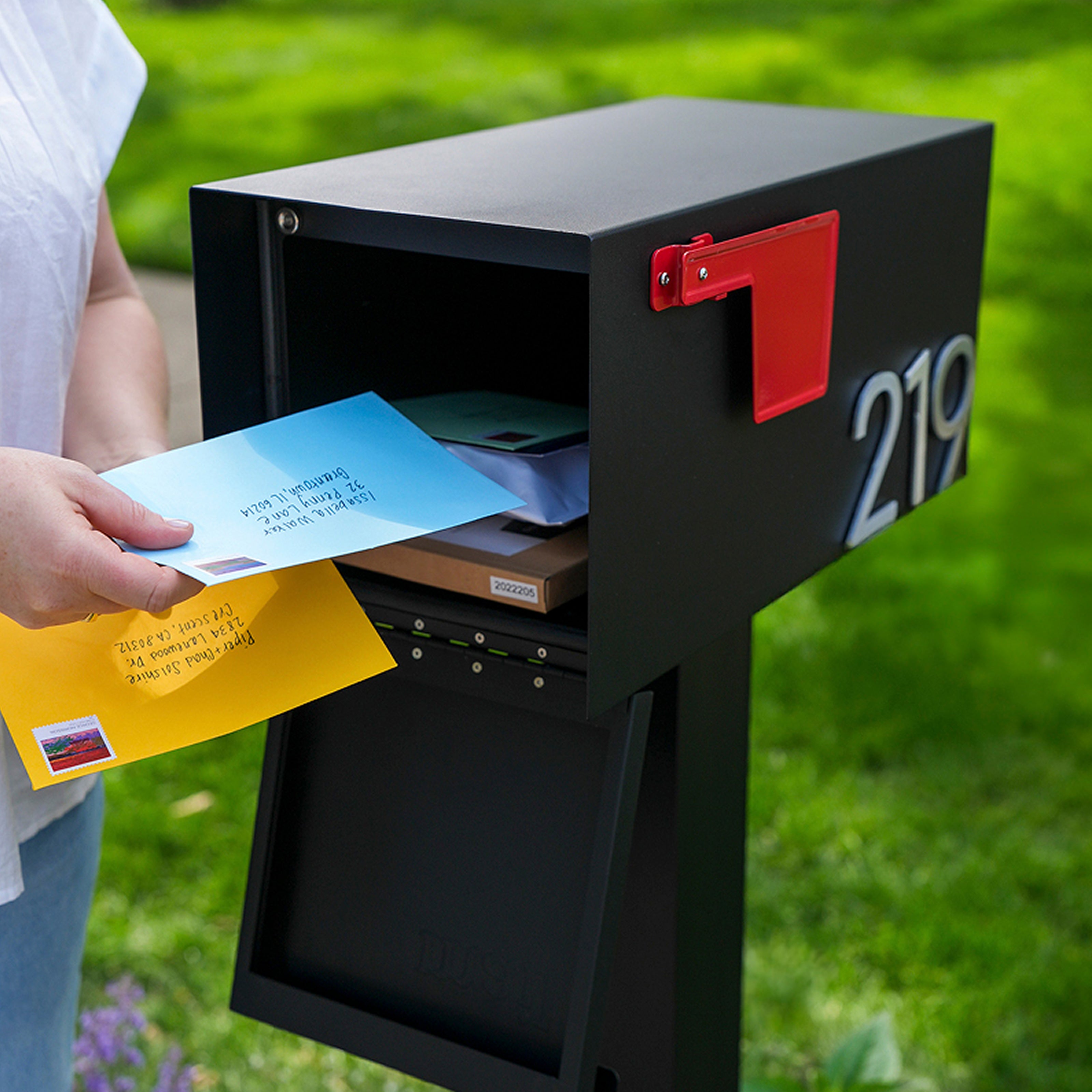
Need your mail carrier to pick something up? Here's how the outgoing mail feature works:
-
Open the top panel of the mailbox (where the carrier deposits your mail and deliveries).
-
Place your outgoing mail inside the mailbox.
-
Raise the red flag to signal your carrier.
The mail carrier will retrieve your outgoing mail and lower the flag.

✨ Care and Maintenance
Your Adoorn mailbox is built to last, and designed to look good doing it. A little upkeep goes a long way.
-
Preserve the finish: Apply a clear car wax to the exterior every 4-6 months to protect the color and coating.
-
Touch up damage: If bare metal becomes exposed, apply a protective paint (such as Rust-Oleum®) promptly to prevent rust.
-
Clean: Mild soap and water. That's it.
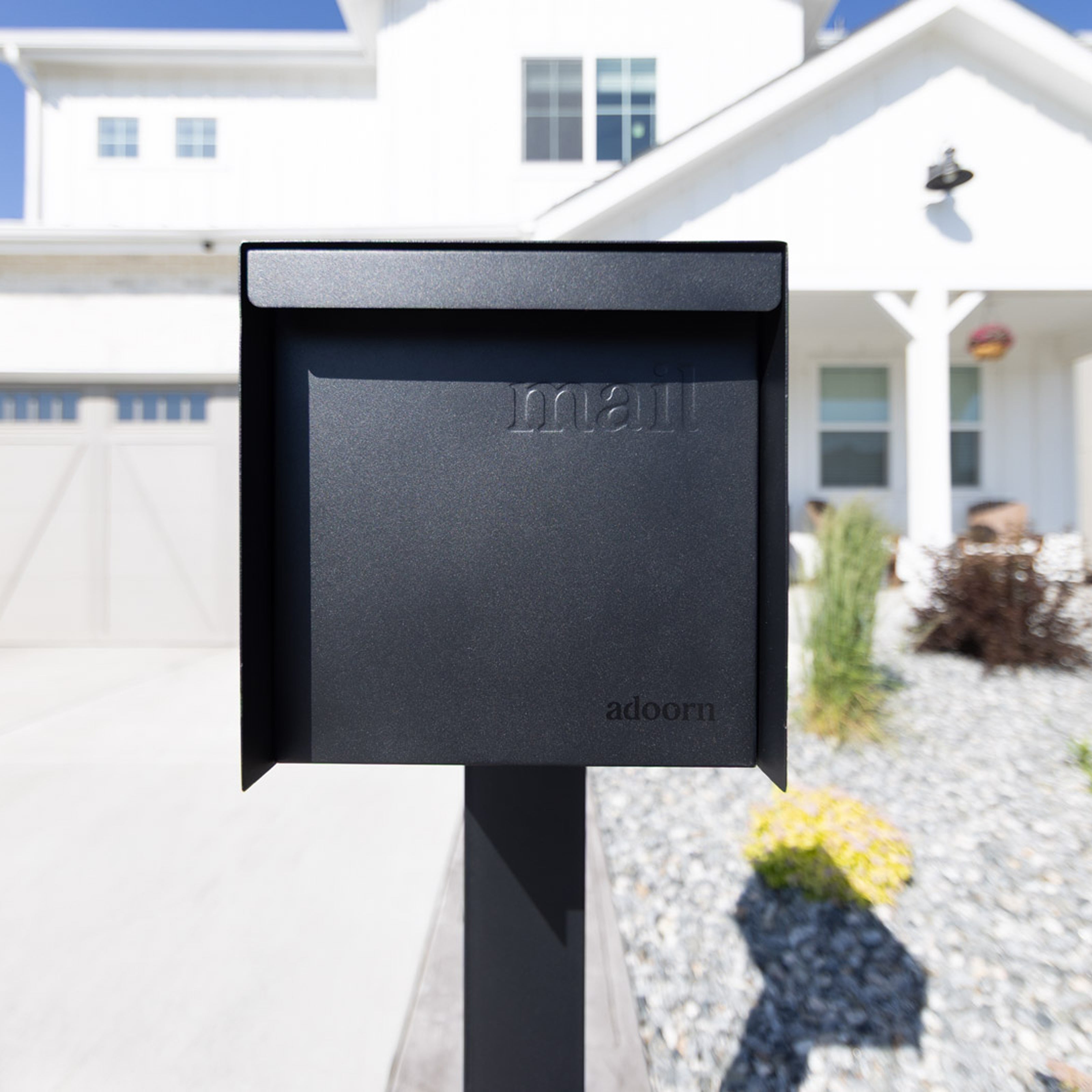
Complete The Look
Finish your mailbox setup with 4" Mailbox Numbers. This ensures best address visibility for guests, delivery personnel, and delivery services. Get yours here!

🎉 You're Done. Step Back and Admire
Whether you mounted to an Adoorn Post or an existing setup, your home just got a serious curb appeal upgrade. A clean modern look and that daily-delivery confidence that comes with knowing your mailbox was designed with intention.
Now the whole setup looks unmistakably considered. The Adoorn way.
Related Adoorn Guides
- How To Install Your New 51" In-Ground Post Mount
- How To Install Your New Locking Post Mount Mailbox
- How To Install Your New 4" Mailbox Numbers
- Shop Adoorn Post Mount Mailbox
📌 Quick Reference
-
Metal post hardware: 4 x 5/16" Bolts (included with the Adoorn Post)
-
Wood post hardware: 4 x 2" Screws + 5/16" Lag Bolt (included with the mailbox)
-
Tools needed: Wrench/socket wrench, drill with 1/4" bit (wood posts), pen/pencil, level, tape measure
-
Mailbox height: 41"–45" from road surface to mail entry (USPS guideline)
-
Setback: 6"–8" from curb or road edge to mailbox door
-
Post compatibility: Adoorn Post or most standard posts
-
First step: Contact your local post office before installing